Exploring Opportunities in Oracle Fusion Sales
Fusion Sales
Blog Owner and Author:
Cesar Guerrero
Overview
Opportunities in Oracle Fusion Sales represent potential sales deals that sellers are actively working on. They are used to track deal progress, revenue, and key activities throughout the sales process.
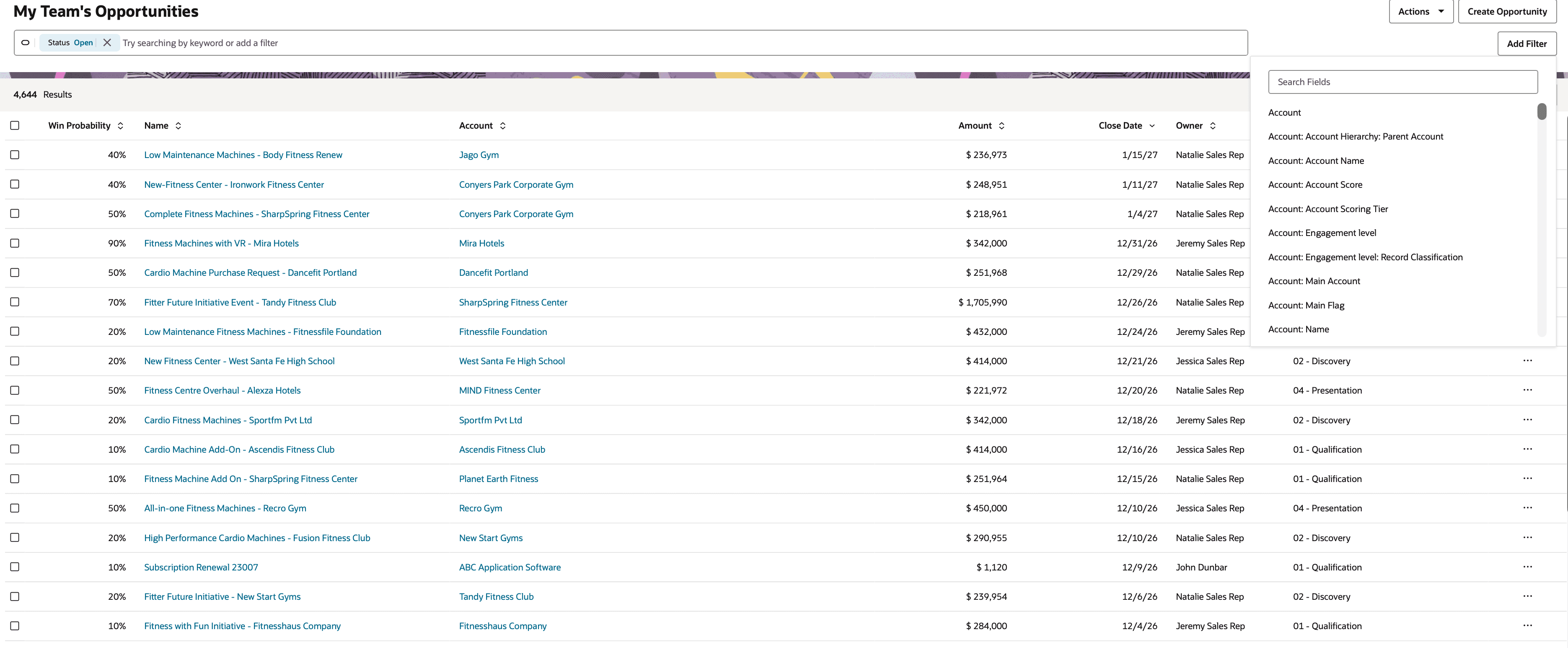
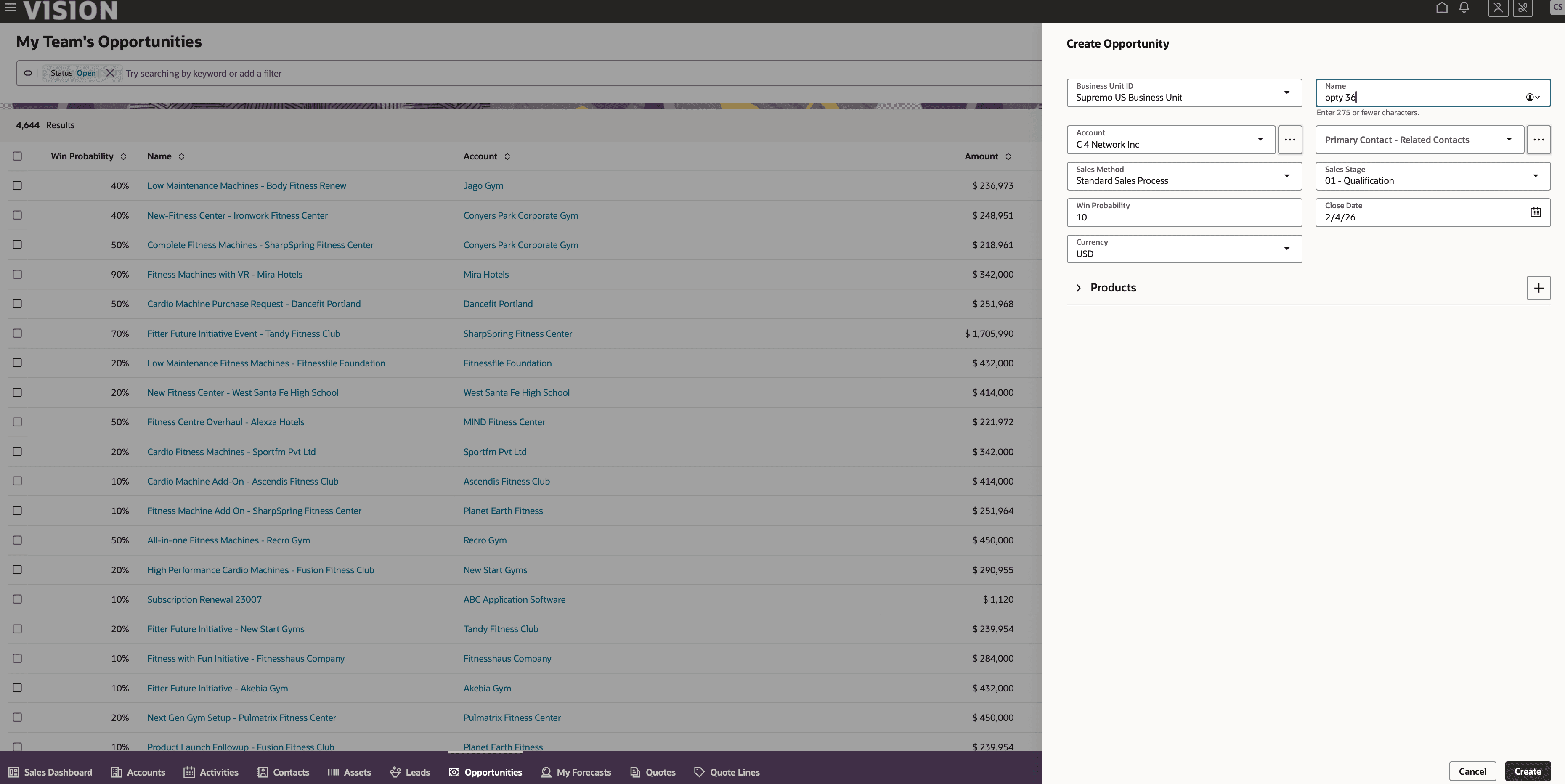
When accessing the Opportunities object, users are taken to a search page that lists opportunity records based on the selected filters. From this page, sellers can apply filters to narrow results based on specific criteria, create new opportunities, or select an existing record to review.
Working with Opportunity Records
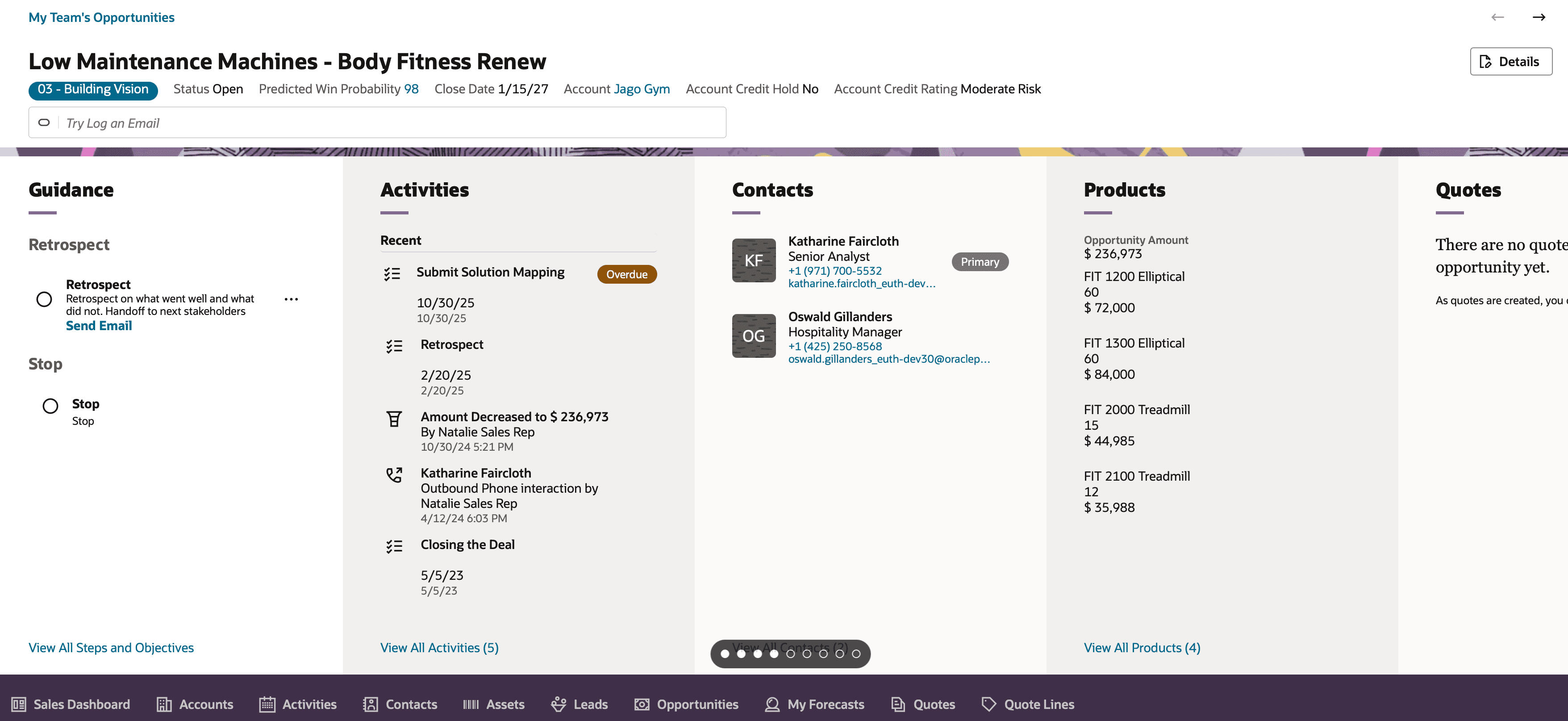
When clicking into an opportunity, the Opportunity Overview page is displayed. At the top of the page, key information such as the opportunity name, status, and win probability is visible. Below this, additional sections provide important details related to the opportunity.
These sections include guidance that outlines next steps in the sales process, as well as related object information such as open activities and associated contacts. This allows sellers to quickly understand the current state of the deal without navigating away from the opportunity.
Navigating Related Objects and Editing Details
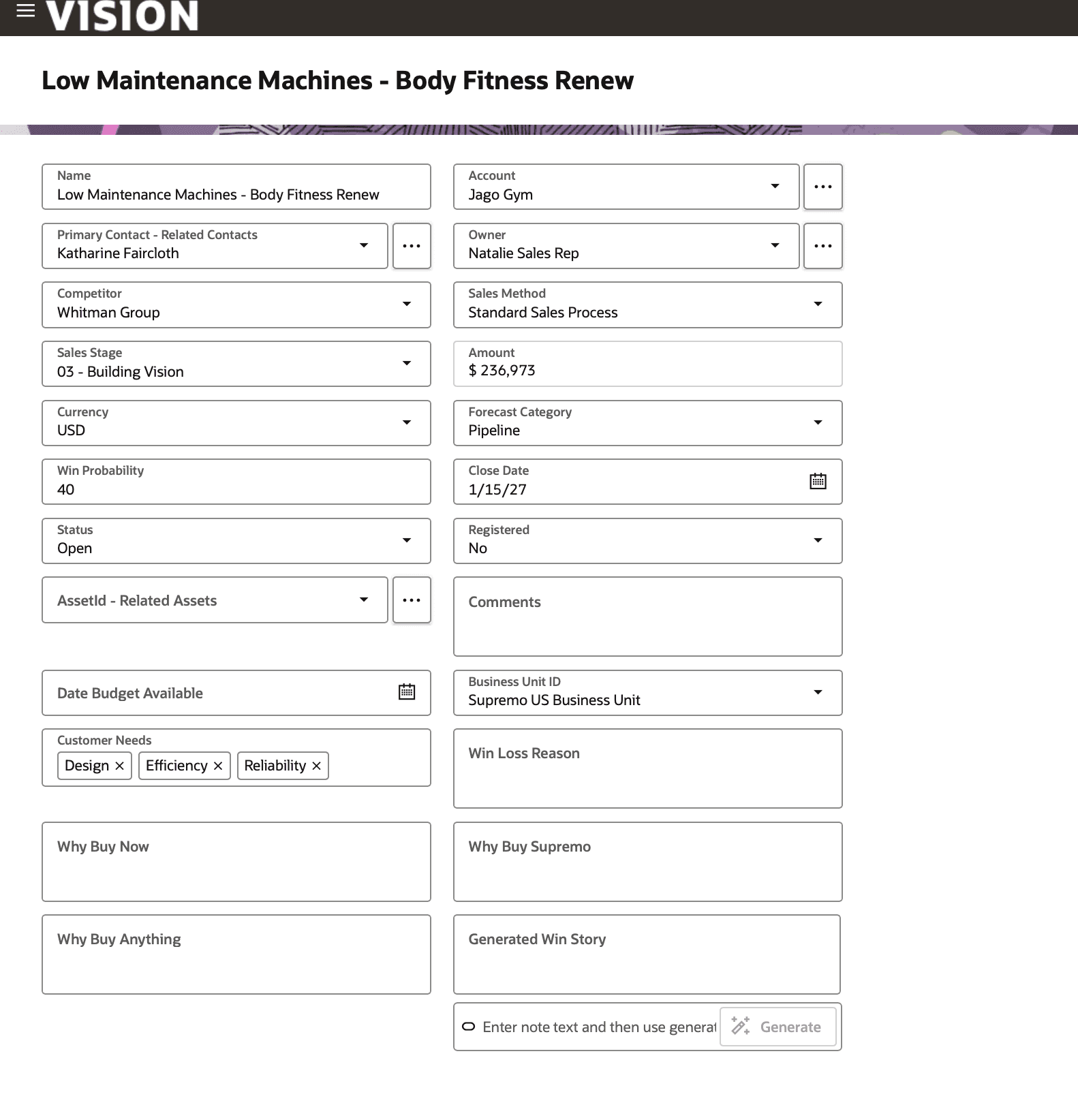
Related objects can be accessed using the tabs within the opportunity record, making it easy to move between different views without leaving the page. When updates are needed, sellers can use the edit option to modify opportunity details directly within the record.